.hub.shock
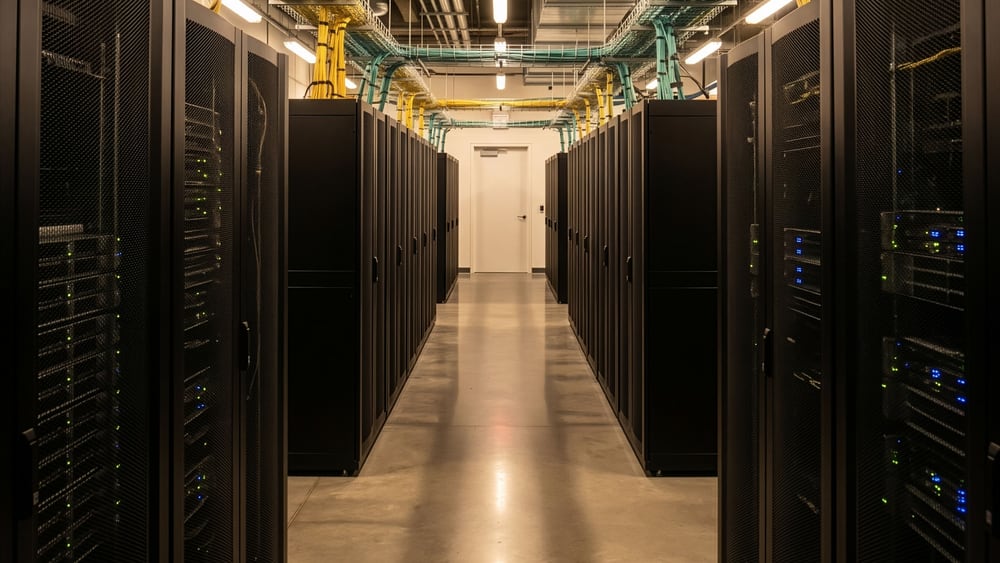
The .shock.LAB’s local backbone. The web apps are the view — this is the engine room: one install runs every background server they need (faces, RAW, file store, delivery relay) and bridges hosted cull / tag / publish back to your machine’s GPU, disks and originals.
Desktop app · Windows · v1.0.0-beta.8
Windows 10/11, 64-bit · per-user install, no admin needed. The .zip carries the installer, its checksum and a README — no separate .exe download. No native macOS Hub app yet (planned); on a Mac you can still join a DC336 render farm with the terminal one-liner below.
Beta honesty: this build is not yet code-signed (certificate purchase pending), so SmartScreen will warn — verify the download against the published SHA-256 before running it. It never updates itself silently.
Download for Windows (.zip, 115 MB) ↓ SHA-256 checksum macOS — join a farm via Terminal ↓
SHA-256 of hub-shock-v1.0.0-beta.8.zip (115,261,286 bytes):8e691d67d22f124df456eb4b85d72a852d70d16bd91a9d904e9343357a48eabf
The installer inside it, DotshockHubSetup-1.0.0-beta.8.exe (115,430,972 bytes, unsigned):0dc6788c19a0960836e26ddb5c88d6ab7907cc35f21f84a2dfd24f5202fa6a14
🔒 Sign-in token sealed in the OS vault — used, never shown 🖊 Only the Hub writes to disk — gated, logged, undoable 📦 Lab pages, file store and PHP ship inside the installer — only the Engine is downloaded, when you choose Install all 🗑 Uninstall never touches your RAW or session files
What one install actually does
Desktop app · Windows · v1.0.0-beta.8
The manifest installs everything
Asset Service (file store), the Dotshock Engine (ArcFace faces, person re-ID backend, publish FTP relay), PHP + database runtimes, AI models — declared in one versioned manifest, installed in one checkpointed pass. If step N fails it stops in a known state and resumes from N, never a silent half-install.
Hosted apps, local power
tag.shock on the web reaches your local Engine for real 512-d face embeddings; publish.shock delivers via your machine’s FTP relay. All through one local port — no cloud middleman touches your files.
It tells you when you can leave
Every job is classified: needs your machine (local originals, FTP) or server-side. The moment the last machine-bound job finishes it announces it — shut the lid, server work continues.
Serve your portfolio originals
Planned: portfolio.dotshock.ai shows previews; on a sale your machine serves the full original from disk — pushed up once and cached, so later delivery works even with the machine off. Not in this beta; listed so the roadmap stays honest.
one install, all servers the bridge autonomy in development
Install
Desktop app · Windows · v1.0.0-beta.8
- Download the .zip above and check it:
certutil -hashfile hub-shock-v1.0.0-beta.8.zip SHA256must match the published checksum. - Unzip it and run the installer inside — per-user install, no admin prompt. SmartScreen will warn because the beta is unsigned: More info → Run anyway, only if the checksum matched.
- A ~5-minute first run: sign in once with your dotshock.ai account (same account as the web), review the server manifest, add your watch folders.
- Click Install all under Services — the manifest provisions every server with a live progress list.
- Keep working in the web apps. They now find the local servers automatically; the tray icon opens the dashboard.
What this beta expects: no workspace checkout. The installer carries the Lab app pages, the Asset Service (file store) and a PHP 8.4 runtime for the Directory app; the Dotshock Engine (faces, person re-ID, the publish relay) is downloaded from this site into the Hub’s own data folder, with its Python packages from PyPI. Not included, and the Hub says so in words instead of half-starting: a database (MariaDB or MySQL — the Asset Service and the Directory need one; name it in asset-service.json in the Hub data folder), the Microsoft Visual C++ 2015–2022 x64 runtime the bundled PHP needs, and Python for the Engine. A dotshock workspace checkout is still supported; point the Hub at one in Settings. Only the Hub writes to disk. Apps decide, it writes: one .shock-session.json knowledge file per shoot folder, only in folders you approved, every write logged with a backup ring and an Undo. Your RAW masters are never modified.
Join a DC336 render farm from a terminal
Advanced · no install · Mac · Windows · Linux
macOS — Terminal:
Windows — PowerShell:
Linux — shell:
Show the one-liner for each OS You need an invite link from the host first. The command carries a private token that can’t be published on a page anyone can view-source. On the render host, open the DC336 dashboard → Render Farm → Create & copy invite link , then paste the Manager URL it gives you in place of <MANAGER_URL> below. curl -sL https://dc336.dotshock.ai/farm/join-mac.sh | MANAGER_URL="<MANAGER_URL>" bash $env:MANAGER_URL="<MANAGER_URL>"; iwr https://dc336.dotshock.ai/farm/join-windows.ps1 -useb | iex curl -sL https://dc336.dotshock.ai/farm/join-linux.sh | MANAGER_URL="<MANAGER_URL>" bash What it installs: Blender 5.2.1 (from blender.org) + a Flamenco 3.9.3 worker (from flamenco.blender.org), into a fixed farm folder, skipping anything already present. Same-network first: only the render queue (the Manager) is tunnelled publicly today. If you’re not on the host’s own network, the script’s own “fetch scene script” step fails with a clear message and stops rather than joining a farm it can’t actually render on — ask the host to make the dashboard and shared storage reachable to you (VPN, port forward, a second tunnel) before it can render.